
Runway vs Kling AI: Which Video Generator Is Worth Your Money?
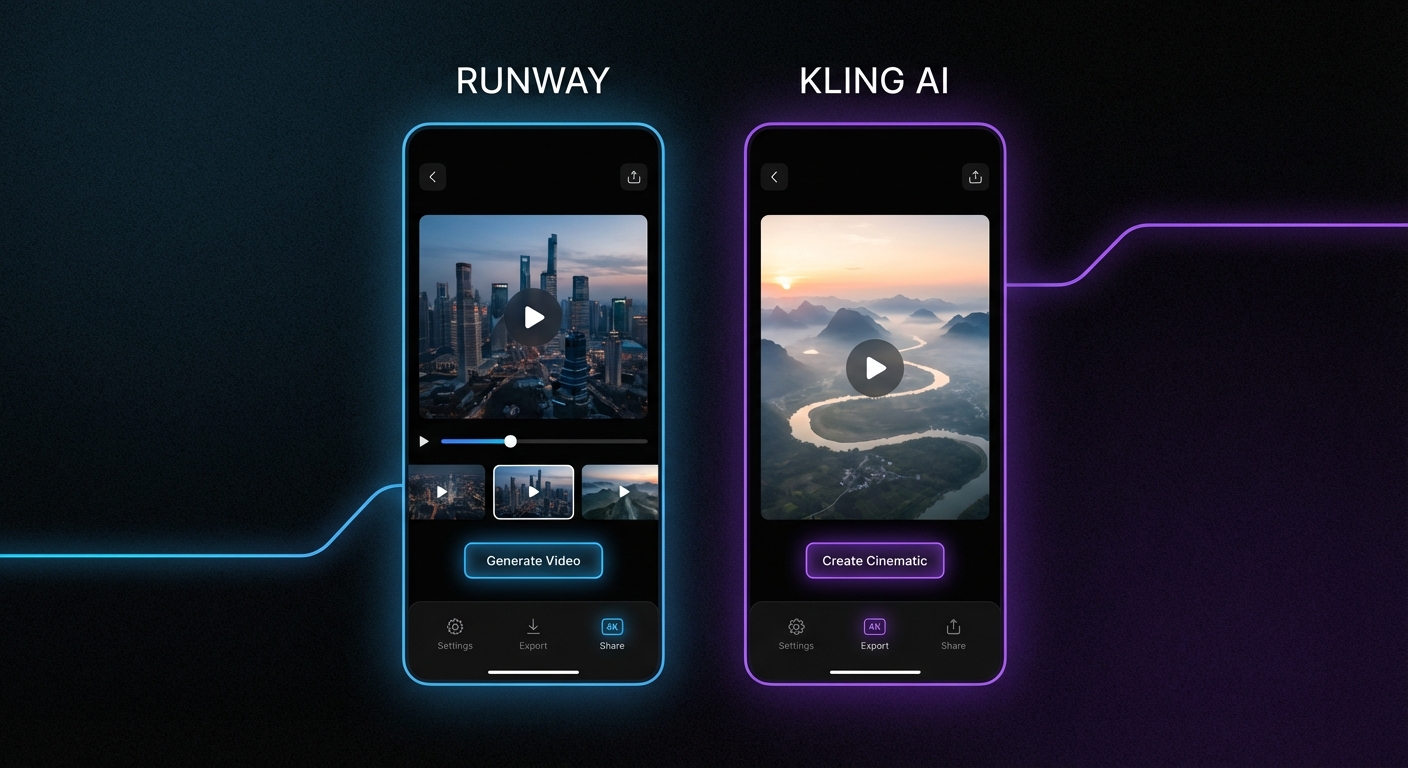
Runway has been the go-to name in AI video generation for the past two years. Then Kling AI showed up, and suddenly Runway had actual competition. We spent two weeks generating clips with both tools — same prompts, same use cases, same budget. Here's what actually happened.
What Each Tool Does (Without the Marketing)
Runway Gen-3 Alpha is a professional-grade video generation tool. It focuses on cinematic quality, temporal consistency, and fine control over motion. It's used by VFX studios, commercial directors, and indie filmmakers who need results that don't look like tech demos.
Kling AI is a Chinese-built model (by Kuaishou) that launched internationally in 2024 and has been quietly iterating ever since. Its party trick: generating longer clips (up to 3 minutes in Kling 2.0) and handling complex camera movement better than most Western competitors.
Neither of these is a toy. Both produce impressive results. The question is which one fits your workflow.
Video Quality: Where They Actually Differ
Runway wins on lighting and texture coherence. Faces don't melt between frames. Materials behave like real materials — cloth has weight, water refracts light correctly. When you're generating a 5-second product shot, Runway's output often looks like something a small production company shot on a real camera.
Kling wins on motion complexity. Runway sometimes freezes the background when too many things are moving simultaneously. Kling handles crowd scenes, multi-object motion, and flowing water better. If you're doing anything with lots of movement, Kling's physics simulation is noticeably more capable.
For text-to-video, Kling's prompt adherence is tighter. Tell both tools to show a person walking through rain under a neon sign, and Kling is more likely to include all three elements. Runway sometimes simplifies complex prompts, prioritizing quality over literal accuracy.
Pricing: This Is Where It Gets Complicated
Runway charges by the second of generated video. On the Standard plan ($15/month), you get 625 credits — each second of 720p costs 5 credits, 1080p costs 10. So Standard gets you 125 seconds of 1080p video per month. Their Unlimited plan is $76/month.
Kling operates on a token system. The basic subscription starts around $8/month for 660 tokens, and a 5-second clip at standard quality costs about 10 tokens. More importantly, Kling offers a free tier that gives you 66 tokens daily — which is actually enough to generate several clips.
For casual creators: Kling is the obvious choice. Free tier is genuinely usable, not artificially crippled.
For production work: Runway's credits feel more predictable. You know exactly what you're spending per clip.
Speed
Runway Gen-3: typically 60-90 seconds for a 5-second clip at standard quality.
Kling 2.0: 2-5 minutes depending on server load. It's slower, and that's a real cost if you're iterating quickly through concepts.
The Features Nobody Talks About
Runway's Motion Brush is underrated. You paint over specific areas of an image and tell them how to move — zoom, pan, drift, zoom in/out independently. It's a level of control you can't get from prompt text alone. This alone makes Runway worth it for certain professional use cases.
Kling's image-to-video is genuinely impressive. Feed it a still photograph and it generates natural-looking motion that respects the original composition. Portrait photos breathe, landscapes sway, product shots rotate. The quality here rivals Runway at a fraction of the cost.
Both tools have a video-to-video mode. Both are mediocre at it compared to their text and image workflows. Skip it for now.
Real Use Cases — Who Should Use What
Social media content (TikTok, Reels): Kling. Faster iteration when you have free tokens, better with the kind of dynamic motion that performs on these platforms.
Commercial production work: Runway. Clients want consistency, and Runway's output is more reliably polished. The Runway API also integrates cleanly with production pipelines.
YouTube thumbnails that animate: Kling's image-to-video for the win. It's fast, the free tier covers it, and the results look better than expected.
Learning AI video: Start with Kling's free tier. Master prompting there, then decide if Runway's ceiling justifies the cost.
The Honest Take
If you told me I could only keep one: for paid professional work, it's Runway. The consistency is there when it matters. But Kling is closing the gap faster than Runway's team would probably like to admit, and for the price delta, it's hard to justify Runway for anything casual.
Kling 2.0's 3-minute video capability is also significant. Runway's max is still 16 seconds (at time of writing). For storytelling projects, that's not a minor gap.
The real answer is that these tools are complementary. Kling for iteration and experimentation. Runway for final production-quality outputs. If your budget can handle both, use both.
Try Them Yourself
- Browse AI video generation tools on TryAnAI — we track 200+ tools in this category
- Compare specs: Runway vs Kling AI head-to-head
- See all Runway alternatives if the pricing isn't working for you
- Check out Kling AI's full profile including user reviews and pricing details
- Looking for free options? The best free AI video tools list is updated weekly