
The AI Tools Photographers Actually Use in 2026 (From Shoot to Delivery)
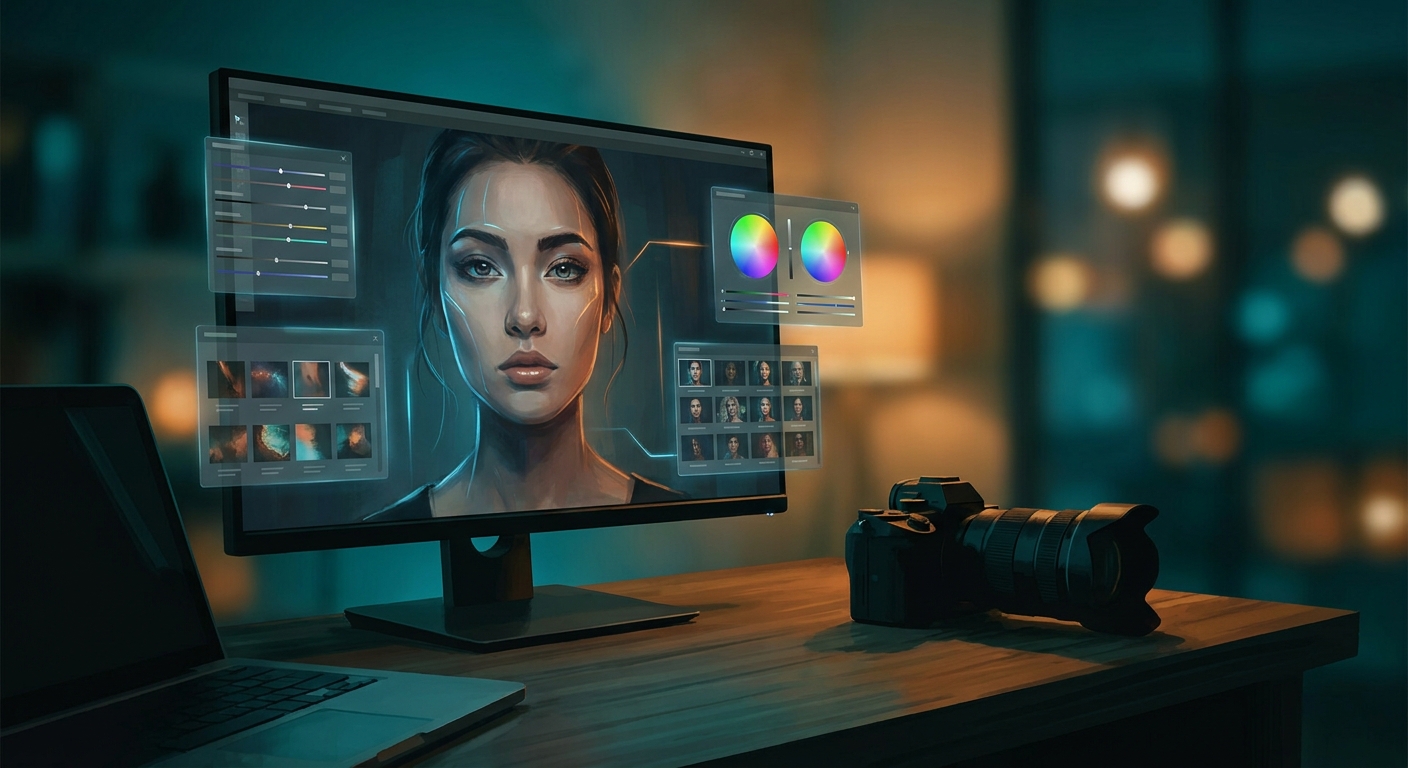
Sit in a working wedding photographer's edit suite in 2026 and the math is unmissable. A 9-hour wedding used to mean 14,000 frames, a weekend of culling, a week of editing, and a delivery date that drifted twice. Now it's six hours from card to client gallery — and the photographer is shooting two weddings on the weekend instead of one.
This didn't happen because photographers got faster. It happened because a small set of AI tools finally got good at the parts of the job that were never the art — the culling, the masking, the noise, the export, the client emails — and freed up the hours that were always the bottleneck.
This is the stack I see on working photographers' Macs in 2026. Wedding, portrait, real estate, commercial — the kits differ at the edges, the center is the same.
The job hasn't changed. The bottleneck did.
Shoot → Cull → Edit → Retouch → Deliver. Five phases. AI moved from "interesting demo" to "non-negotiable" in four of them. The shoot is still you and the light. Everything downstream is now a tool decision.
The photographers winning in 2026 are the ones who picked the right tool per phase and stopped trying to do all five by hand. The ones still losing are the ones who either tried to do it all manually (and burned out) or handed the whole pipeline to one all-in-one AI editor (and now look like every other photographer who did the same).
1. Cull — the phase that ate everyone's life
This is the unambiguous AI win. If you're still scrolling 14,000 frames at 1am, you are working harder than your competition for no reason.
- Aftershoot — the category leader. Trains on your past picks so the culls actually look like *yours*. The blink/blur/group-shot detection is best-in-class. Wedding and event shooters live in it; some shooters report 80% culling time gone in the first month.
- Imagen AI — known for editing but the Personal AI Profile-based culling has gotten genuinely good. If you're already an Imagen editor, you may not need a separate cull tool.
- Lightroom's built-in AI cull — Adobe finally shipped real culling in Lightroom. It's fine. It is not Aftershoot. For volume shooters, the dedicated tool still wins; for hobbyists, Adobe's is now the default.
The trap to avoid: do not let the AI auto-reject. Set it to *suggest*, review the rejects in 10x speed mode, then commit. The cost of one rejected hero shot is bigger than the time you saved.
2. Edit — your style, faster, without flattening
This is where the religious arguments happen. The good news: in 2026 the tools finally got good enough that the conversation moved from "can AI edit?" to "how do I keep it looking like me?"
- Imagen AI — still the leader for batch editing in Lightroom-native catalogs. Trains a Personal AI Profile on 5,000 of your past edits and applies it across a wedding in 20 minutes. The 2026 update finally got skin tones and mixed-light venues right.
- Lightroom AI masking — Select Subject, Select Sky, Select People → Eyes/Lips/Teeth/Body Skin, Generative Remove. The masking that used to take 90 seconds per frame is now a click. Adobe's quiet 2026 weapon.
- Capture One — the holdout. Studio and commercial shooters still here for the tethering and the color science. AI features are catching up but not the reason you're in C1.
- Luminar Neo from Skylum — the one-click "AI enhance" crowd. Hobbyist-leaning. Easy to spot in a feed, and not in a good way for working pros.
The edit-phase rule that separates the working pros from the hobbyists: train on *your* work, never accept a generic preset. AI editing that looks like "AI editing" is the new bad HDR.
3. Retouch — skin, sky, distractions, generative fill
This is where AI changed what's economically possible. Beauty retouching used to be $50/image. Real estate sky replacement used to be a Photoshop afternoon. Both are now under a minute.
- Photoshop Generative Fill + Generative Remove — the workhorses. Power-line removal in real estate, distraction removal in landscape, content-aware fill that finally works on hair and complex edges. Adobe's 2026 versions are dramatically better than the 2024 "will it eat the bride's hand" memes.
- Evoto — portrait and beauty retouching that's eating Retouch4Me's lunch. Skin smoothing that doesn't plastic-fy, eye enhancement that doesn't look possessed, body sculpting that's controllable (please, sparingly). Wedding and senior portrait shooters swear by it.
- Topaz Photo AI — for everything else from Topaz Labs: denoise, sharpen, gigapixel upscale, raw enhance. The high-ISO concert and wedding shooters who couldn't shoot above 3200 five years ago are now shooting at 12800 and recovering it in Topaz.
- Magnific — generative upscaler with creativity dials. Real estate shooters use it for ceiling-corner detail; commercial shooters use it when a 24MP frame needs to print at 60 inches. The "reimagine" slider is dangerous — keep it low if you care about staying faithful to the original.
- ClipDrop — the quick-hit utility: background removal, relighting, uncrop. Lives in the browser, costs nothing to try.
4. Deliver — galleries, proofs, client comms
The boring phase. The one most photographers do worst. AI has quietly cleaned it up.
- Pixieset and Pic-Time — the two gallery platforms working pros use. Both shipped AI-assisted tagging and face-grouping in the last year so guests can find themselves without you sorting 800 ceremony frames into folders.
- Photoroom — product and ecommerce shooters use it for background removal at scale. The batch API makes a 500-SKU shoot a one-evening job, not a one-week job.
- Cloudinary — for photographers running their own portfolio sites or commercial workflows. AI cropping, format conversion, lazy delivery. The infra nobody talks about until they have 80GB of portfolio assets.
- ChatGPT and Claude — for the client emails, the contract reviews, the "how do I respond to this awkward request" moments. The communication tax that used to eat half a Sunday is now a 10-minute pass.
For the broader writing surface, the 10 AI Writing Tools That Don't Sound Like a Robot covers the client-comms side.
5. Pre-production and creative — mood boards, briefs, location
This is the bonus phase commercial and editorial shooters now treat as essential.
- Midjourney — for mood boards and creative briefs. Show the client the look in 10 minutes, not 10 days. Do not use it for final deliverables; do use it to nail the brief before the shoot.
- Adobe Firefly — the commercially safer mood-board option if your client has IP-cleanliness requirements. The output is duller but the legal team sleeps better.
- Remini — for reference-restoring old family photos before a commemorative shoot, or for the "can you make this 1998 prom photo look modern" client ask that used to be unfulfillable.
What AI still can't do (and why the working pros are calm about it)
- See the moment before it happens. The grandfather catching the bride's eye during the first dance. The fleeting expression. That is anticipation, not pixels. No model will ever be at the wedding with you.
- Hold a coherent voice across 500 deliverables. Per-image it's fine. Across a whole gallery, generic AI editing flattens to the same look every other AI-edited gallery has. Your Personal AI Profile, trained on your work, is the moat.
- Make taste decisions. Which 35 frames go in the engagement gallery? Which 80 in the wedding teaser? Which one is the hero on the home page? Taste is unpicked-up territory.
- Care about the client. The bride emailing you eight months later because she still smiles when she opens the gallery is not emailing the model. She is emailing you. That's the whole business.
The photographers losing in 2026 aren't losing to AI. They're losing to other photographers who used AI to delete the hours that were never the art — and reinvested those hours into shooting more, marketing better, and answering email like a human.
Try Them Yourself
- 10 AI Writing Tools That Don't Sound Like a Robot — for the client-comms side of the studio
- Best AI Tools for Solopreneurs 2026 — for the photographer-as-business angle
- Midjourney vs DALL-E 3 vs Ideogram — pick a mood-board generator
- Photography category — the full photographer toolkit
- Image Editing category — for retouch and post
- Image Generation category — for pre-production
Start with: Aftershoot for culling, Imagen for batch edit, Lightroom AI masking for the per-frame work, Evoto for portrait retouch, Topaz Photo AI for noise and resolution rescues, Photoshop Generative Fill for distractions, Pixieset or Pic-Time for delivery, Midjourney for mood boards. That's the kit. Eight tools the model handles, two seats the human keeps — the moment in the viewfinder, and the taste pass on the gallery.