
The Best AI Tools for Content Creators in 2026 (One-Person Production Company Edition)
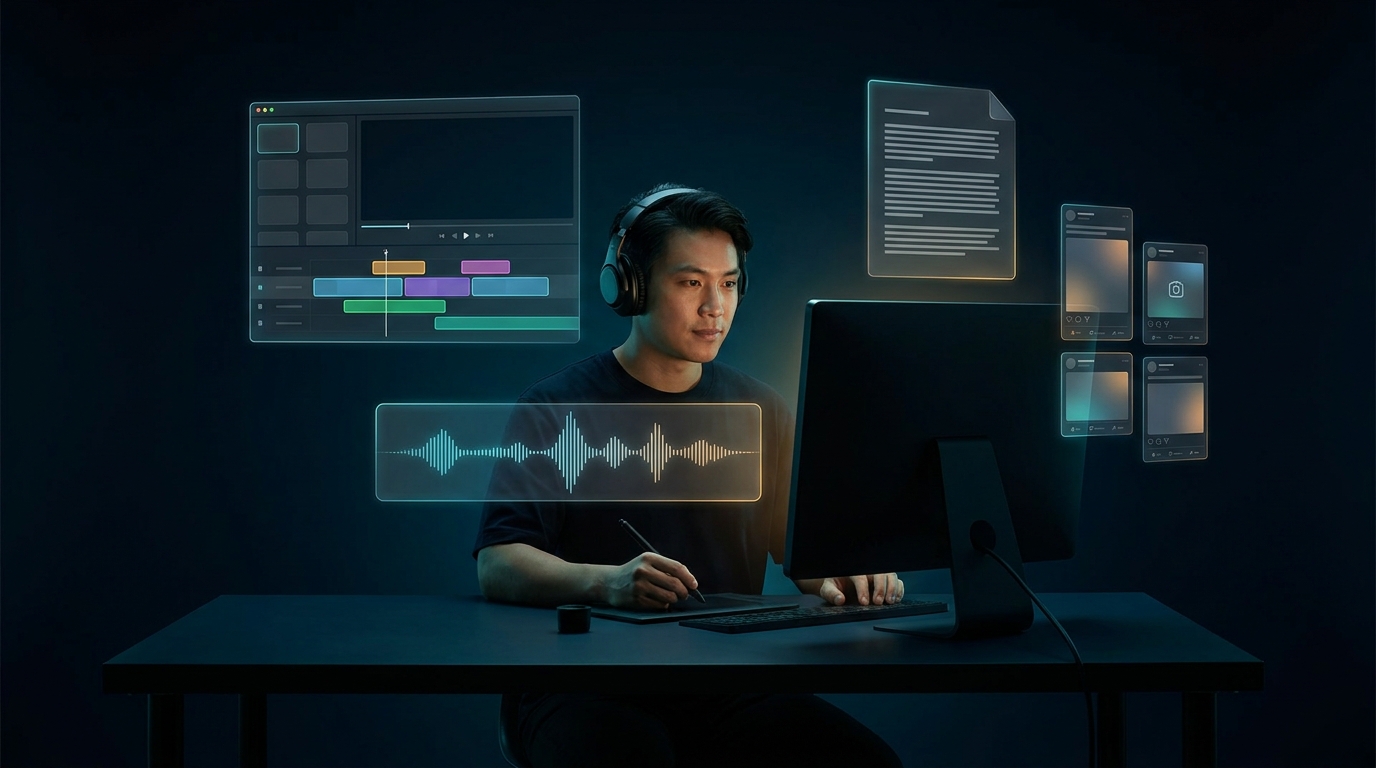
Being a content creator in 2026 means running four production lines at once: long-form video, short-form clips, audio, and a written feed. Five years ago that needed a team. Now it needs a stack — and the stack is AI.
This is the toolkit a serious one-person creator is actually using right now. Not what's trending on a creator's affiliate-link Twitter feed — what's installed and open every day on the laptops of people whose income depends on shipping. We've watched these run side-by-side for months.
The thing nobody talks about
The AI stack doesn't make you a better creator. It makes you a *faster* one. The taste, the angle, the why-anyone-should-care — that still has to come from you. But once you have it, AI compresses the time between idea and published asset from days to hours. That's the whole game.
1. The script + research brain: ChatGPT, Claude, Perplexity
Every video, podcast, and newsletter starts the same way: a research session and a script. ChatGPT is the workhorse for outlining and rewriting. Claude is the better choice for long-form scripts where you want personality and rhythm — its writing voice is genuinely different, less templated. Perplexity AI replaces 80% of "opening 14 tabs to fact-check a claim," with citations baked in.
We broke down the writing-voice difference in ChatGPT vs Claude. Short version for creators: write the first draft in Claude, polish in ChatGPT, fact-check in Perplexity.
For anything that needs to *not* sound like AI wrote it, run it through one more pass with a real human voice — see 10 AI Writing Tools That Don't Sound Like a Robot.
2. The video editor that changed everything: Descript
Descript is the single most-recommended tool by every multi-format creator we know. The pitch is simple: edit your video by editing the transcript. Delete a sentence in the text, the video cuts that sentence. Cut filler words across a 90-minute interview in 30 seconds. The AI voice cloning means you can fix a fluffed line without re-recording.
If you're still scrubbing timelines in Premiere for podcast and YouTube edits, you're losing 4-6 hours a week to a problem Descript solved.
3. The visuals layer: Midjourney, Flux, DALL-E
Thumbnails, B-roll inserts, episode artwork, social tiles — AI image generation is now the default. Midjourney is still the taste leader for editorial and atmospheric shots. Flux is the new heavyweight — photorealism and faces are noticeably ahead of Midjourney now. DALL-E is fine for inline content images and quick newsletter graphics.
Budget pick: Leonardo AI and Ideogram cover most thumbnail work for less. We did the full shootout in Midjourney vs DALL-E vs Ideogram.
For brand-safe visuals where a client's legal team will ask the question, Adobe Firefly is the only one trained on commercially-licensed data.
4. The video generator: Runway
Runway is the one we open for AI-generated B-roll, intro animations, and any motion piece that doesn't need a real person. The image-to-video work is where it shines for creators — generate a still in Midjourney, animate it in Runway, and you have a 4-second cinematic insert that would have cost $200 from a stock site.
We compared the heavy hitters in Runway vs Kling AI. Runway still wins for creator workflows because the editor is faster and the integrations are cleaner.
5. The voice layer: ElevenLabs
ElevenLabs is non-negotiable. Clone your voice once, and you can generate cleanups, intros, ad reads, and translated versions of your content forever. The 2026 version of multi-language audio is genuinely indistinguishable from a human read.
Use cases creators we know are running today: re-recording a single fluffed sentence in a 40-min podcast (saves a re-record session), generating a Spanish/Portuguese/German version of a YouTube video (3x your reach), and creating ad-read variants without booking studio time.
6. The avatar play: HeyGen + Synthesia
Not every creator wants to be on camera every day. HeyGen and Synthesia generate AI video avatars from a one-time recording. The use case for actual creators isn't "replace yourself" — it's "generate 200 personalized welcome videos for new newsletter subscribers," or "create an explainer in 8 languages without 8 reshoots."
7. The recording suite: Riverside
Riverside for any podcast or video interview that involves a remote guest. Local recording on each end (so the guest's bad WiFi doesn't ruin the audio), AI transcripts, magic clip detection. The clip-finder feature alone — auto-extracting the 30-second highlight reel from a 90-minute interview — saves 2-3 hours of scrub-and-listen work per episode.
8. The short-form factory: VEED + Predis AI
VEED is the browser-based editor for fast vertical edits with AI captions, B-roll, and auto-zoom. Predis AI generates platform-native social creatives faster than briefing a designer — Reels, TikToks, carousels, all on-brand.
This is the layer where most creators are losing the most time. If you're spending 90 minutes editing each TikTok by hand, the math says one of these tools pays for itself the first day.
9. The organization brain: Notion + Notion AI
Notion is the content calendar, the script bank, the sponsor tracker, the idea pile. Notion AI inside it is what lets you search across two years of notes and ask "what was that quote I saved about audience trust?" and actually get the answer in 4 seconds.
10. The thumbnail of the deck era: Gamma
Gamma for any creator who occasionally pitches sponsors, runs a course, or shares decks with collaborators. Replaces 90% of the time you'd spend in Keynote or PowerPoint. We compared it against the alternative in Notion AI vs Gamma.
What I'd skip
"AI content factories" that auto-generate full videos from a prompt. The output is generic. The view-count graph for slop content is going down, not up. Algorithms are getting better at detecting it.
Anything that promises to "automate your entire creator business." Doesn't exist. The taste step is still yours. Tools that try to remove it produce content nobody watches.
Tools that lock your content history. If switching costs are punishing, that's a churn trap. Use tools that export cleanly.
The 2026 creator stack at a glance
If I were starting a content business from zero today as a one-person operation:
- Brain: ChatGPT + Claude + Perplexity
- Long-form video: Descript + Runway + Midjourney/Flux
- Podcast/interview: Riverside + Descript + ElevenLabs
- Short-form: VEED + Predis AI + Descript clips
- Visuals: Midjourney + Flux + Adobe Firefly (commercial)
- Avatars: HeyGen for personalized + scaled video
- Voice: ElevenLabs (clone once, use forever)
- Org: Notion + Notion AI
- Decks: Gamma
Roughly $250-$400/month for the full stack. That's less than a single freelance editor would charge for one video, and it does the work of an entire small production team.
Try Them Yourself
Browse the full set of content creation tools, video, and audio on TryAnAI. We've indexed 6,000+ AI tools with real pricing, real comparisons, and zero "this tool does everything" lies.
The creators winning in 2026 aren't the ones working more. They're the ones shipping more with the same hours. The stack above is what makes that math work.